Image → editable diagram
Image to editable diagram. Ready for your next revision.
Start with a clear flowchart image. Review the proposed nodes and connections, then open the editable source in Draw.io. AI output is a draft: inspect every label and arrow.
25 credits per draft · PNG, JPG or WebP · 2,000,000 bytes max · Editable .drawio draft
01
What does image to editable diagram mean?
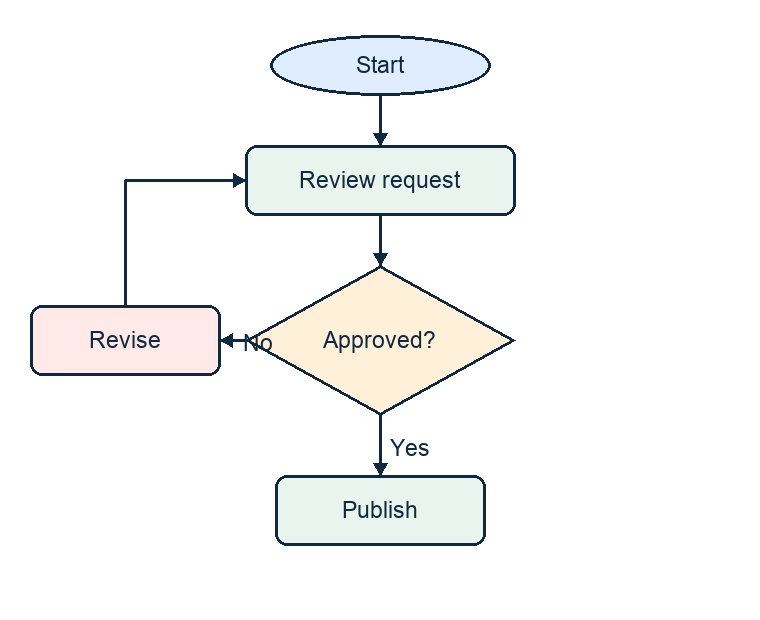
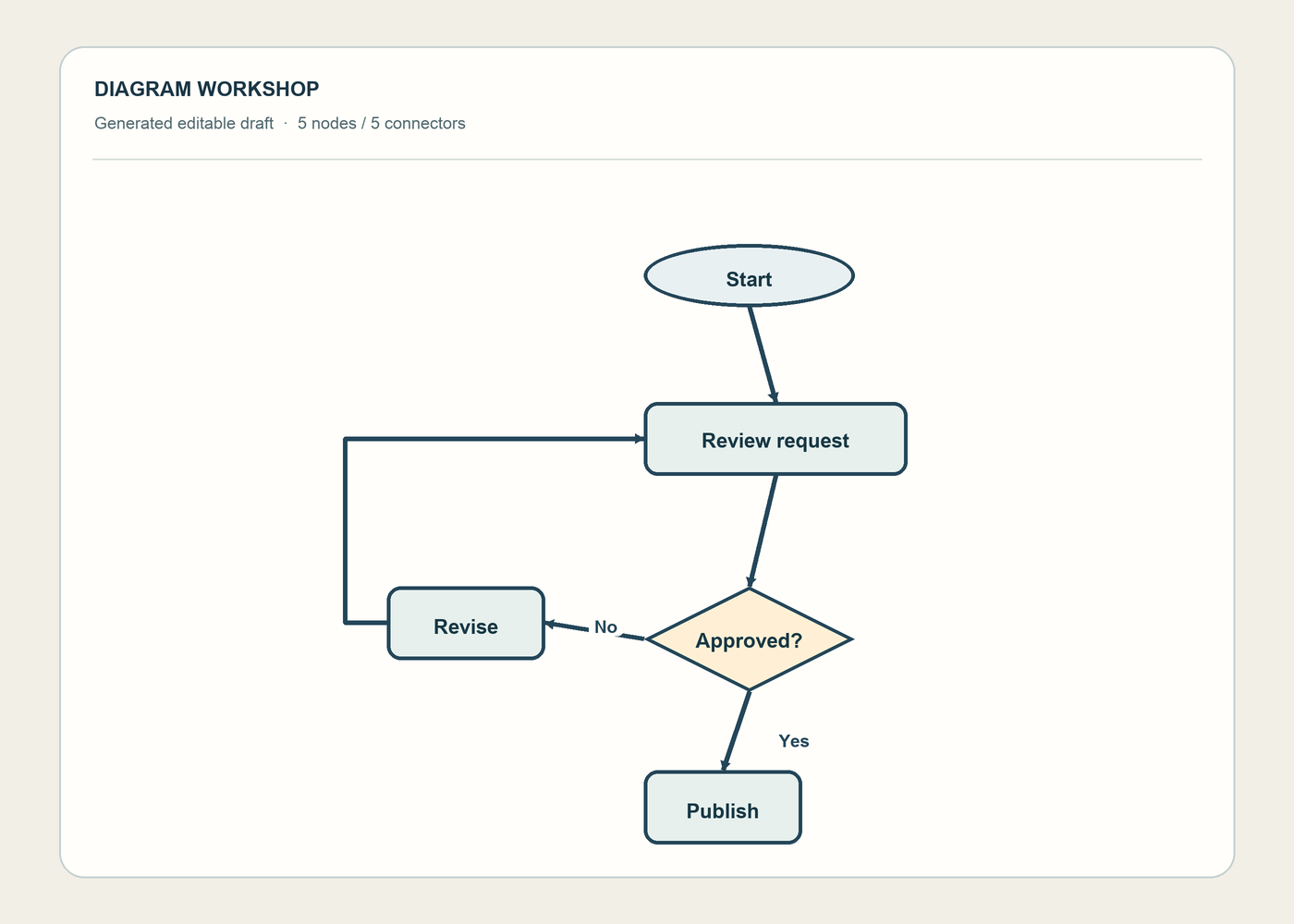
A flowchart screenshot is pixels, not movable boxes. Diagram Workshop accepts PNG, JPG, or WebP files up to 2,000,000 bytes and proposes editable nodes and directed connectors in a .drawio draft. A conversion costs 25 credits; new accounts receive zero free credits. Compare labels, branches, and arrow directions against the source before editing or exporting. The saved five-node example below is one result, not a guarantee for other images.
FROM IMAGE TO WORKING FILE
Follow one flowchart from input to editable draft
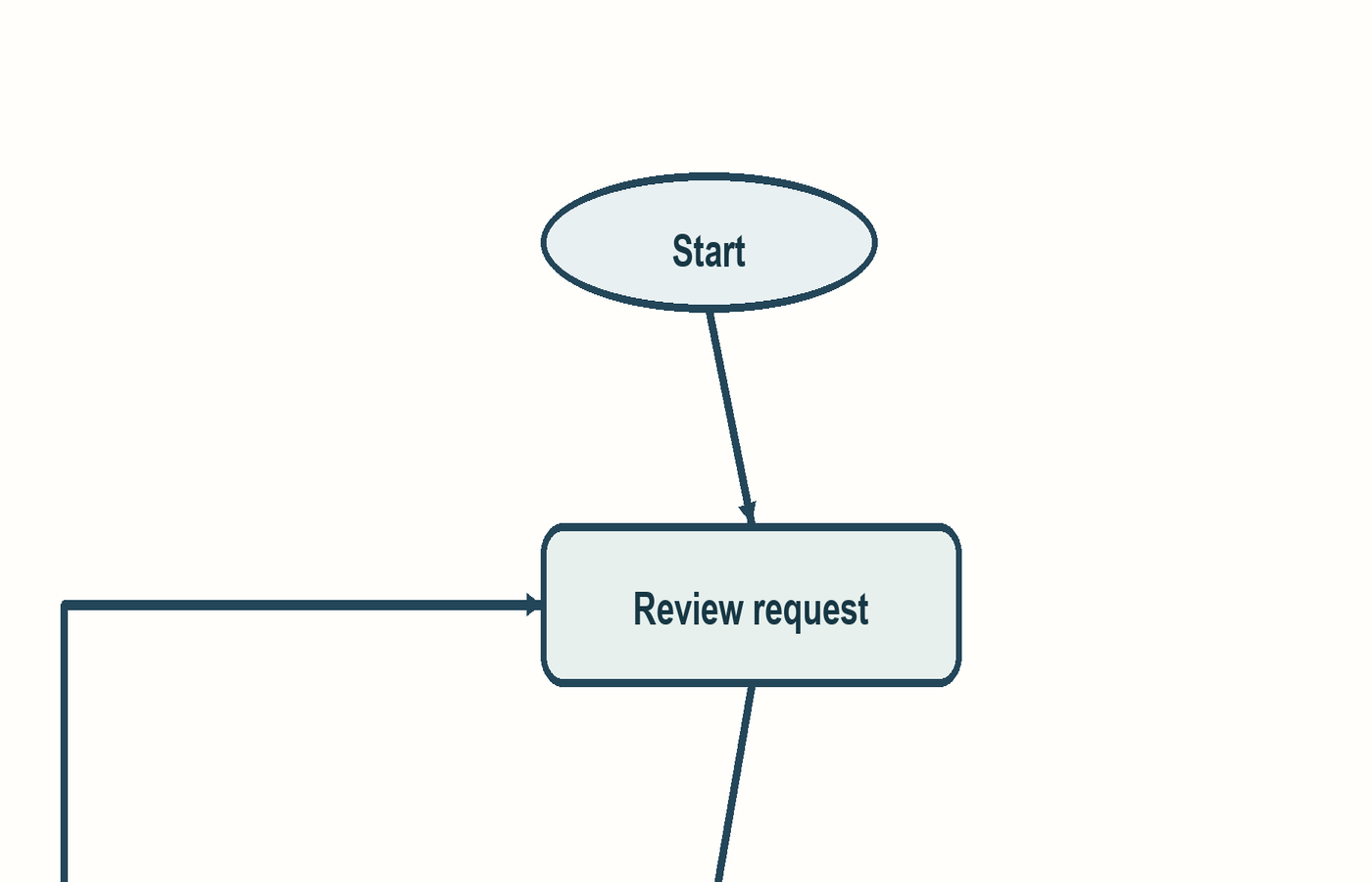
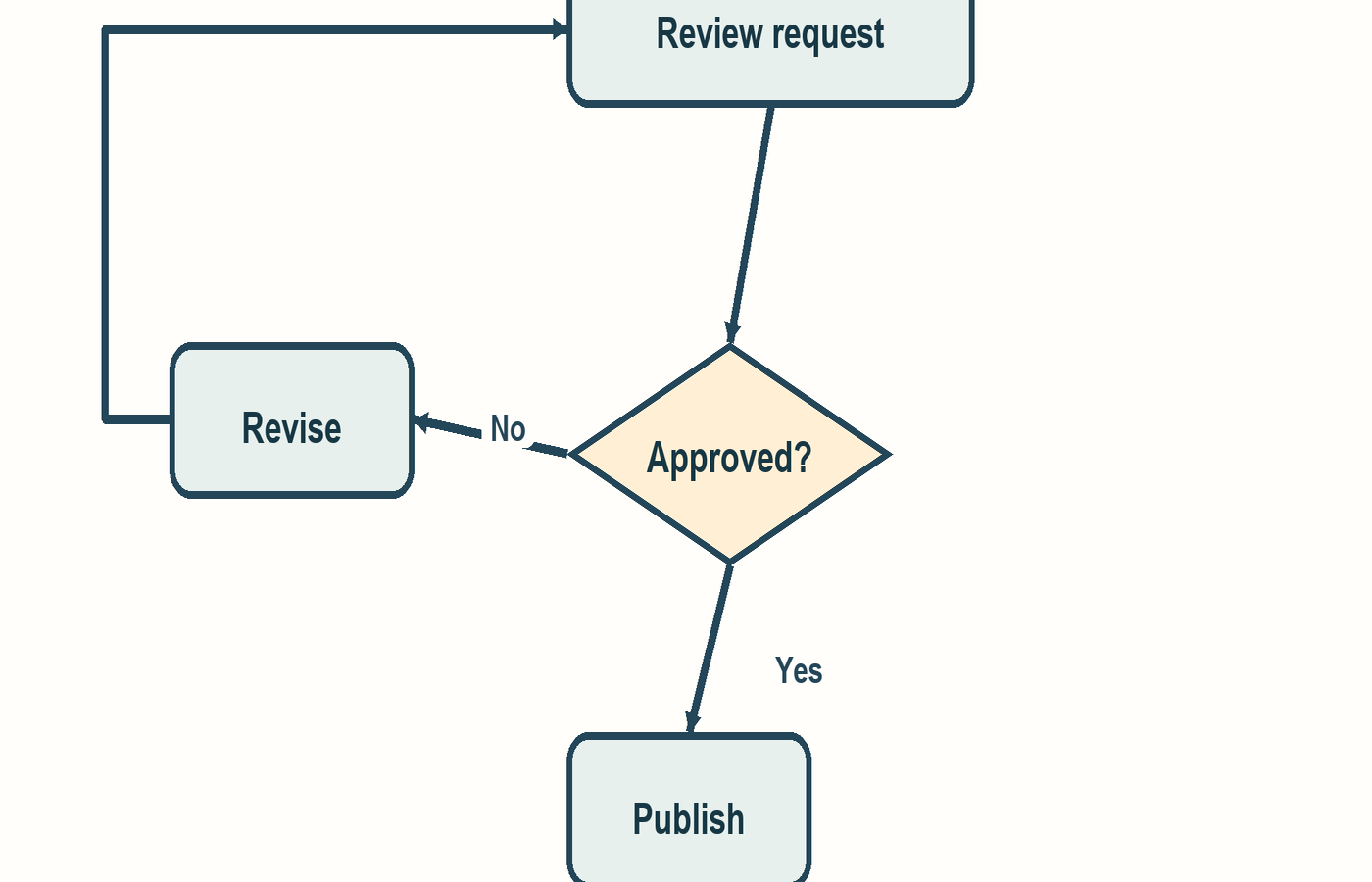
This example uses one five-node flowchart. The saved result has five nodes and five connectors; the close views show where labels and arrow directions need inspection.
02
Choose the guide for your next step
Starting from a screenshot? Use the screenshot-to-Draw.io guide for image preparation, upload, and opening the downloaded file.
Already have a result? The diagram review guide walks through the five-node example and what to inspect before exporting.
03
From picture to working draft
Choose one image
Upload a PNG, JPG, or WebP flowchart. Use a clear image with readable labels and visible arrowheads. The workbench shows the size limit.
Check availability and cost
Sign in, confirm your rights to use the image, and read the current credit quote before you submit.
Review the structure
Inspect the nodes, labels, and connections. A proposed link may be missing or may point the wrong way.
Download the source
Download the .drawio file and continue editing in Draw.io. Keep the original image for comparison.
04
What the draft contains
Movable nodes
Detected boxes become separate shapes in the Draw.io source file.
Connected arrows
Detected relationships become connectors attached to those shapes.
Review first
The preview exposes the proposed structure before you use it in a document or process.
05
Common questions
Will it recreate my diagram exactly?
No exact reconstruction is promised. It produces a working draft. Complex crossings, small text, and faint arrowheads need careful review.
Can I edit the result?
Edit the title, node labels, positions and connector labels in the workbench, or open the downloaded .drawio source in Draw.io. Local edits are exported to a new file; the original remains available.
Can I change which nodes a connector joins in the workbench?
The workbench lets you edit connector labels, but not their source and target nodes. Check the downloaded .drawio file in Draw.io if a connection needs to be rebuilt.
What does a conversion cost?
A draft costs 25 credits. New accounts start with zero free credits. The workbench checks current availability and your balance before submission; see credit packs.
Make your diagram editable
Bring one image. Review the quote and rights confirmation in the private workbench.